How to Fix Out-of-Sequence Activities in Primavera P6 Before They Distort Your Critical Path

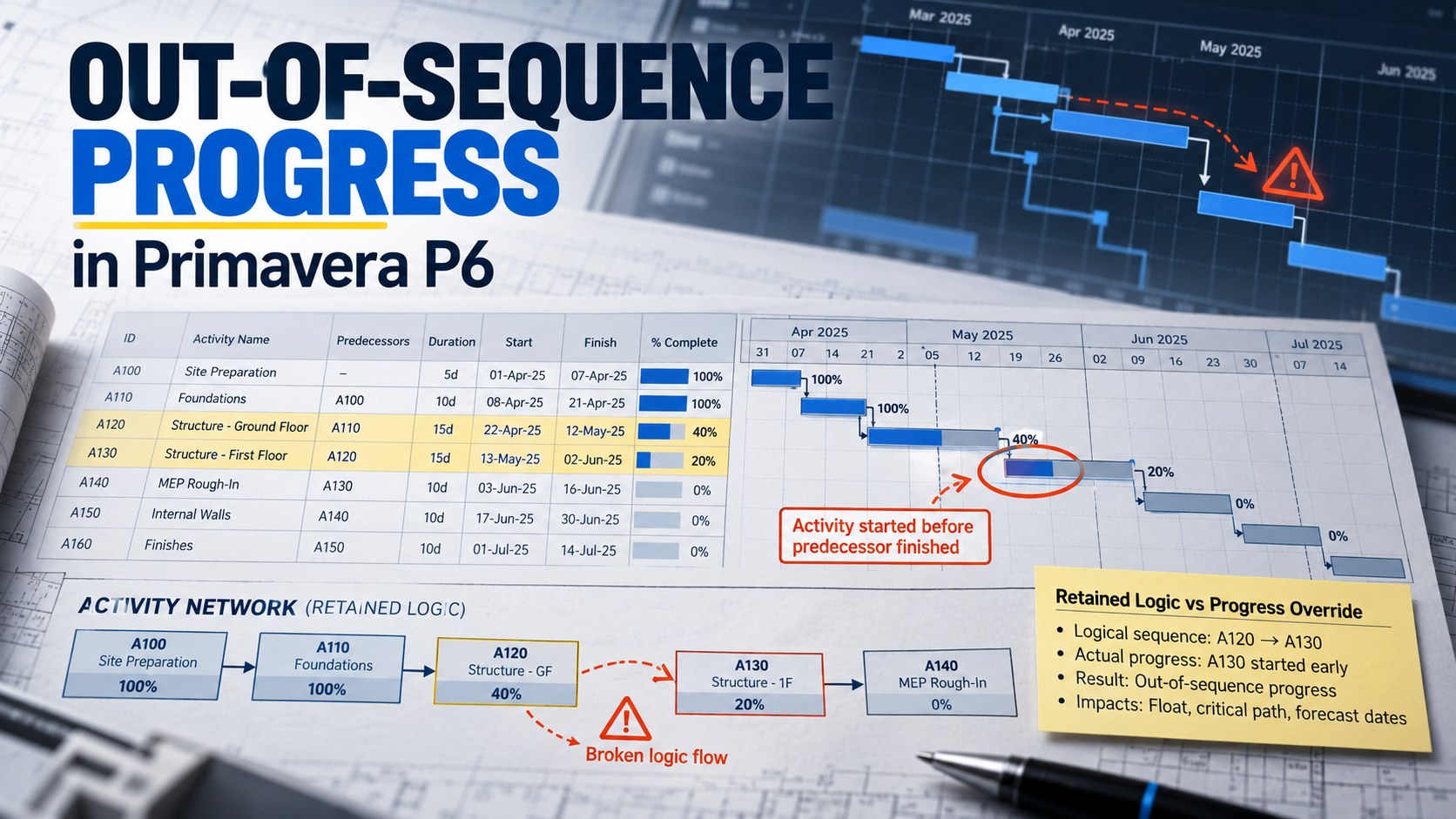
A schedule erodes before it breaks
A schedule rarely breaks in one dramatic moment. It erodes. One crew starts a little early, another activity gets progress booked against it because it was the closest match in the list, and three months later the critical path runs through a backfill activity that nobody on site considers critical. By the time the client’s reviewer asks about it, the cause is buried under twelve updates.
Most of that erosion has a single technical signature in Primavera P6: out-of-sequence activities. Plenty of guides explain the scheduling options. Far fewer explain how to actually clean a live schedule that has accumulated dozens of them. That is what this guide is for. It is the workflow I use when I take over a programme mid-project or when I am asked to review one before it goes into a claim.
By Dr. Hassan Eliwa, PhD, Founder of PMMilestone.org. Explore his research and publications.
First, Recognise the Symptoms
You do not need to open the log to suspect a problem. These are the signs I look for in the first ten minutes with any schedule.
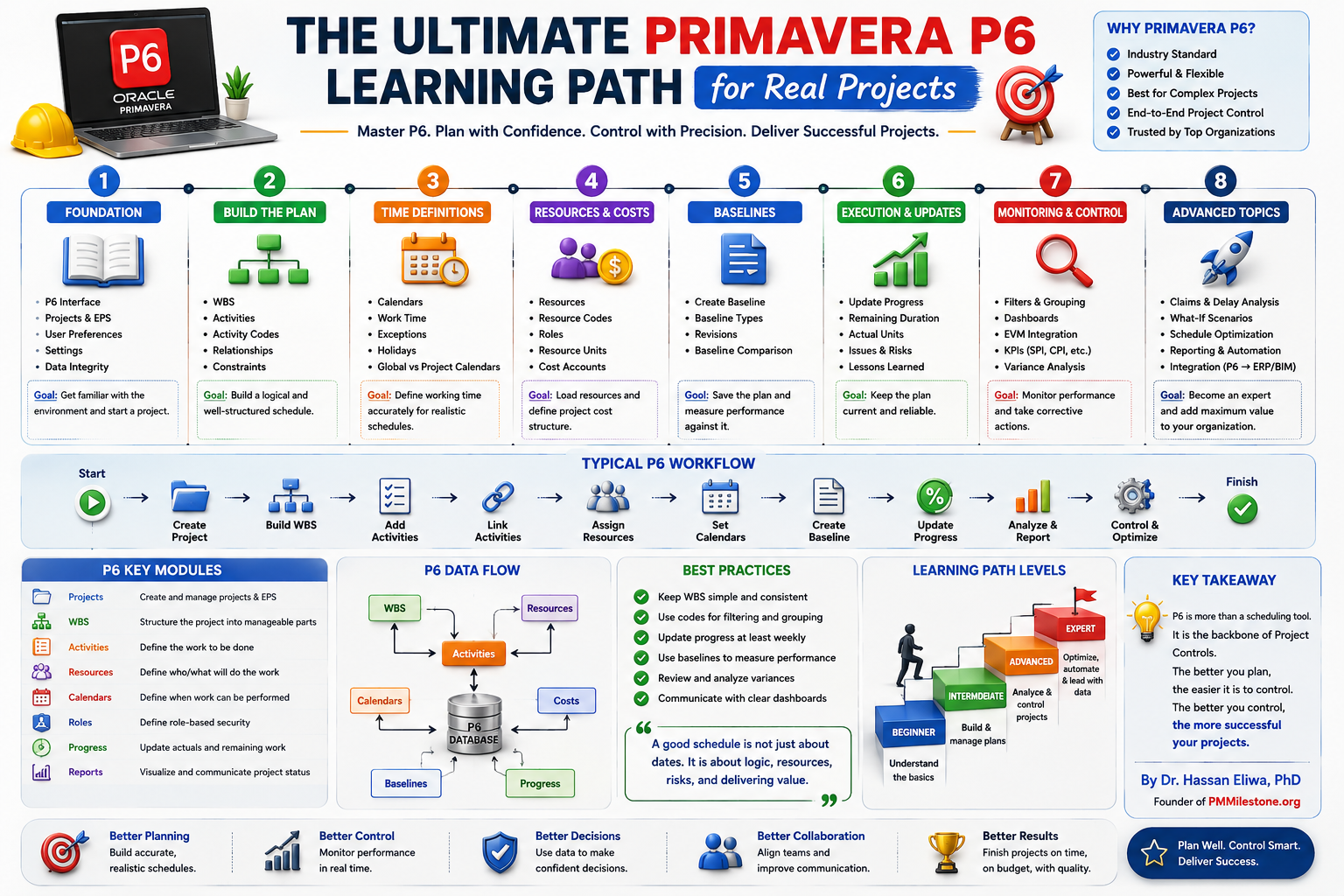
Use the Project Controls Glossary for the critical-path, float, data-date and relationship terms used here, and the Learning Tracks for a structured scheduling progression.
| Symptom you notice | What it usually means | Severity |
|---|---|---|
| Forecast finish moves although the month went well | Remaining work is waiting on predecessors that site has already bypassed | ▲ High |
| Bars with a long gap between actual and remaining portions | Retained Logic is holding remaining work behind an unfinished predecessor | ▲ High |
| Critical path shortens in a month with lost productivity | Progress Override may be ignoring real dependencies | ▲ High |
| Site lead says “we are not waiting for that” | The relationship no longer reflects how the crew works | ● Medium |
| Same few activities flagged in the log every month | Logic was never repaired, only recalculated | ● Medium |
Understand What P6 Is Doing Before You Change Anything
When a successor has progress and its predecessor is incomplete, P6 has to choose how to place the remaining duration. That choice comes from the project’s scheduling option for progressed activities, found in the Schedule dialog (F9) under Options.
Retained Logic
Remaining work waits for predecessor to finish
Progress Override
Remaining work runs from the Data Date — link ignored
Actual Dates
Like Retained Logic, but completed OOS work releases successors
Foreground = successor actual (started early); coloured = successor remaining duration.
With Retained Logic, the default, the remaining work sits behind the predecessor’s finish. With Progress Override, the link is ignored and the remaining work carries on from the data date. Actual Dates behaves similarly to Retained Logic for in-progress work but treats completed out-of-sequence work differently, which is why it is worth testing on a copy rather than switching on a live update.
Here is the uncomfortable part. All three options are reacting to the same broken network. Swapping between them changes the symptom, not the cause. Ten Six Consulting describes a “compression effect” with Progress Override, where the remaining chain is pulled forward because a real constraint disappears. That compression is usually the first thing an experienced reviewer tests.
Case Study: A 1 km DN600 Water Main
Consider a trunk water main of about one kilometre, the kind of job utilities let to civil contractors every year. The programme was built the way many tender programmes are: one activity per trade for the full length, linked Finish-to-Start.
P100 Excavate trench CH0–1000
P200 Lay DN600 main CH0–1000
P300 Backfill and compact CH0–1000
P400 Hydrostatic test CH0–1000
On site, of course, nobody waits for a kilometre of open trench before laying pipe. Traffic management, safety and plain common sense all say the pipe crew follows the excavator a few hundred metres behind, and backfill follows the pipe. By week 6 the pipe crew had laid most of the first half, backfill had started at the start of the line, and the schedule log flagged two out-of-sequence activities. Under Retained Logic, the remaining pipe-laying sat waiting for the whole excavation to finish, and the test date slid to week 19.
Before: one long activity per trade, FS links, out-of-sequence everywhere
After: split by chainage, logic follows the crew — zero out-of-sequence
Foreground bars: actual · Primary bars: remaining / forecast · ▼ out-of-sequence flag · Dashed line: data date (week 6).
The repair took about two hours with the site engineer. We split each trade into two chainage sections, linked each section to the section it really depended on, and used Start-to-Start relationships with realistic lags where the crews leapfrog. After rescheduling, the log showed zero out-of-sequence activities and the hydrostatic test moved to week 15, matching what the site team had been saying in every progress meeting.
Notice that we did not reach for Progress Override to get there. Had we done so, the date might have improved too, but for the wrong reason, and the next reviewer would have had a fair point to raise.
The Five-Step Repair Workflow
Whether the project is a pipeline, a station fit-out or a bridge, I use the same loop. It is simple enough to run every month and thorough enough to stand up in a dispute.
- 1. Detect
Schedule log + OOS filter
- 2. Diagnose
Bad logic or real re-sequence?
- 3. Repair
Split, re-link, SS + lag
- 4. Re-run
F9, compare to last update
- 5. Record
Narrative + change log
Run the loop on every update — before the schedule goes out the door
Step 1 — Detect
Tick Log to file in the F9 dialog and schedule. The log lists out-of-sequence activities with the predecessor involved. Paste it into a working spreadsheet with columns for the activity, the predecessor, the relationship type, the site explanation and the action taken. That spreadsheet becomes your audit trail.
Step 2 — Diagnose
For each pair, ask one question with the person who runs that work: is the crew genuinely waiting for the rest of the predecessor? If yes, the schedule is right and your forecast should reflect the wait. If no, the logic is too coarse or simply wrong.
Step 3 — Repair
Choose the lightest fix that makes the network honest. The table below is the menu I work from.
| Repair technique | When to use it | Watch out for |
|---|---|---|
| Split the activity by area, level or chainage | One activity covers work that crews do in stages | Keep codes and resource loading consistent across the new pieces |
| Change FS to SS with a lag | Successor genuinely follows the predecessor at a distance | Lags hide work; keep them short and documented (DCMA flags heavy lag use) |
| Add the missing intermediate activity | A handover step such as inspection or curing was never modelled | Do not invent work just to absorb float |
| Re-tie to the correct predecessor | Progress was booked against the wrong activity or the link was to the wrong area | Correct the actuals as well, not only the link |
| Remove or relax a constraint | A hard constraint is overriding logic | Record why the constraint existed before removing it |
Step 4 — Re-run and compare
Reschedule, confirm the log is clean or that the remaining items are genuine, then compare with last month’s update. Claim Digger in P6 Professional will show you changed relationships and dates. Any movement on the longest path needs a sentence of explanation.
Step 5 — Record
In the update narrative, state how many out-of-sequence activities were found, how many were repaired, which technique was used and which scheduling option the update runs with. Future you, or the delay expert you hand the file to, will be grateful.
Where Out-of-Sequence Progress Really Comes From
When I categorise the out-of-sequence entries from schedule audits, the same causes keep appearing. The chart below shows an illustrative breakdown based on the kind of mix I typically see; your own project will differ, but the leading causes rarely change.
Share of out-of-sequence instances (illustrative audit sample); this is not a measured result for your project.
The striking thing is how few of these are “site did something unexpected.” Most are planning decisions made months earlier: activities too long, relationships too rigid, intermediate steps left out. That is good news, because planning decisions can be fixed at the desk.
Comparing Quick Fixes With Proper Fixes
| Approach | Time to apply | Survives review? | Long-term effect |
|---|---|---|---|
| Switch whole project to Progress Override | 1 minute | ✖ Rarely | Hides real constraints; dates jump later |
| Add Start On constraints to successors | 10 minutes | ✖ No | Fails hard-constraint checks; masks logic |
| Delete the problem relationship | 5 minutes | ⚠ Sometimes | Creates open ends and missing-logic failures |
| Split and re-link by work front | 1–3 hours | ✔ Yes | Fewer out-of-sequence entries every month |
| Document and keep Retained Logic | 30 minutes | ✔ Yes | Conservative, honest forecast |
A Monthly Checklist You Can Copy
| # | Check | Evidence to keep |
|---|---|---|
| 1 | Scheduling option confirmed (expected: Retained Logic) | Screenshot of Options tab |
| 2 | Schedule run with Log to file | Saved log file for the data date |
| 3 | Every out-of-sequence pair reviewed with site | Working spreadsheet with comments |
| 4 | Repairs applied in the working schedule | Change log with activity IDs |
| 5 | Longest path compared with previous update | Comparison report |
| 6 | Narrative updated with counts and actions | Update report section |
| 7 | Remaining out-of-sequence items justified | One line per item |
What This Means for Delay and EOT Work
Construction contracts such as NZS 3910, NEC4 and FIDIC expect the programme to show how the contractor intends to carry out the work. When an extension of time is assessed, the updates are evidence. An update where the logic plainly contradicts the site diaries weakens that evidence, whichever side you are on. In my experience, a clean, well-documented record of logic repairs is one of the strongest things a contractor can bring to a time-related negotiation, because it shows the programme was managed rather than merely recalculated.
Fix the network, not the checkbox
Next time the forecast moves for no obvious reason, resist the urge to try another checkbox. Open the log, sit down with the site engineer for half an hour, and fix the network. The date you end up with will be one you can defend.
Continue through Academy Home and its Knowledge Pillars; compare the evidence discipline in Case Studies and the Project Failure Database. Investigate forecast movement with the Float Erosion Analyzer, Delay Impact Calculator and Earned Schedule Calculator; these support review rather than replace a repaired P6 network.
Frequently asked questions
How do I see out-of-sequence activities in Primavera P6?
Open the Schedule dialog with F9, tick Log to file, run the schedule and view the log. Out-of-sequence activities are listed along with the relationship involved. Save the log with each update as a record.
Can I fix out-of-sequence activities without changing the logic?
You can change the scheduling option, but that only changes how P6 interprets the broken links. To remove the root cause you usually need to split activities, adjust relationship types or correct where progress was recorded.
What is the Progress Override compression effect?
When Progress Override ignores an incomplete predecessor, the remaining successor work is pulled to the data date and its downstream chain moves earlier too. The forecast compresses even though nothing on site has improved.
Is it acceptable to have some out-of-sequence activities?
Yes, a small number is normal on live projects, particularly in the month the deviation happens. What matters is that each one is reviewed, either repaired or explained, and that the count does not keep growing.
Should I repair logic in past updates?
Generally no. Past updates are contemporaneous records. Make repairs from the current data date forward and document them. Altering historical updates can look like rewriting evidence.
How long should activities be to avoid out-of-sequence problems?
There is no single rule, but activities that span several areas and run longer than about four weeks are frequent offenders. Split by area, level or chainage when different crews will work in parallel.
Do I need third-party tools?
Not to start. The P6 schedule log, a spreadsheet and Claim Digger cover the basics. Schedule-quality tools help on large programmes by trending the counts across many updates.
Where this article connects
Curated cross-links: related Academy articles, the Knowledge Pillars this topic draws on, and the calculators referenced in the FAQs above.
Related Academy articles
Relevant Knowledge Pillars
Calculators referenced in the FAQs
Next steps on PMMilestone
Use these pages to deepen the topic, verify terminology, compare real cases and move from theory into applied project controls practice.
Related calculators
Open the calculators referenced in this article and run them against your own project numbers.
Float Erosion Analyzer
Track total float consumed on critical paths.
Open ScheduleDelay Impact Calculator
Estimate the financial impact of project delays.
Open ScheduleEarned Schedule Calculator
Time-based schedule performance (SPI(t)).
Open Earned ValueSPI Calculator
Schedule Performance Index — measure schedule efficiency.
OpenOther learning tracks
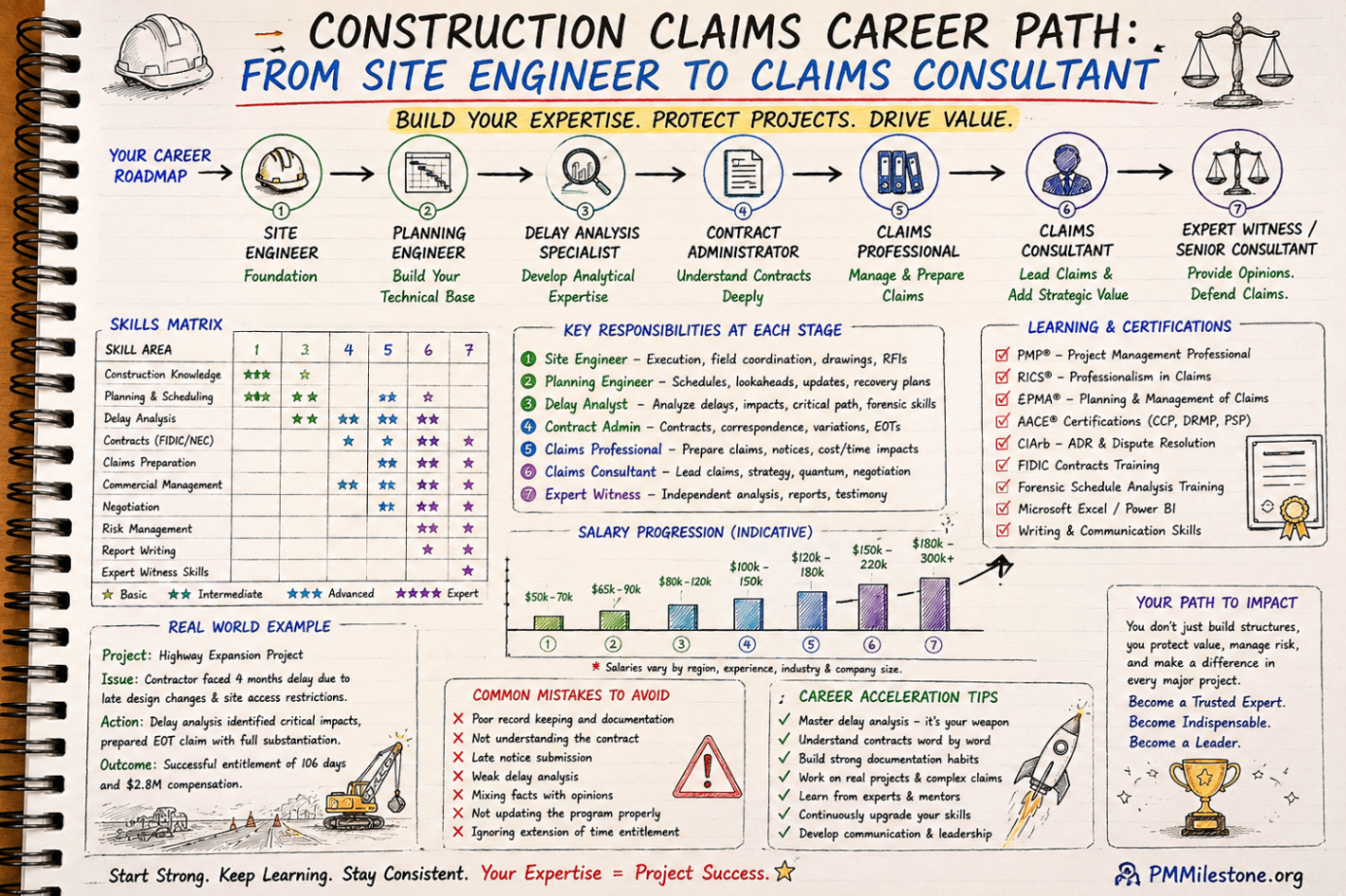
Construction Claims Career Path
A practical roadmap for engineers moving from site delivery into planning, delay analysis, claims, commercial controls and senior claims consulting.
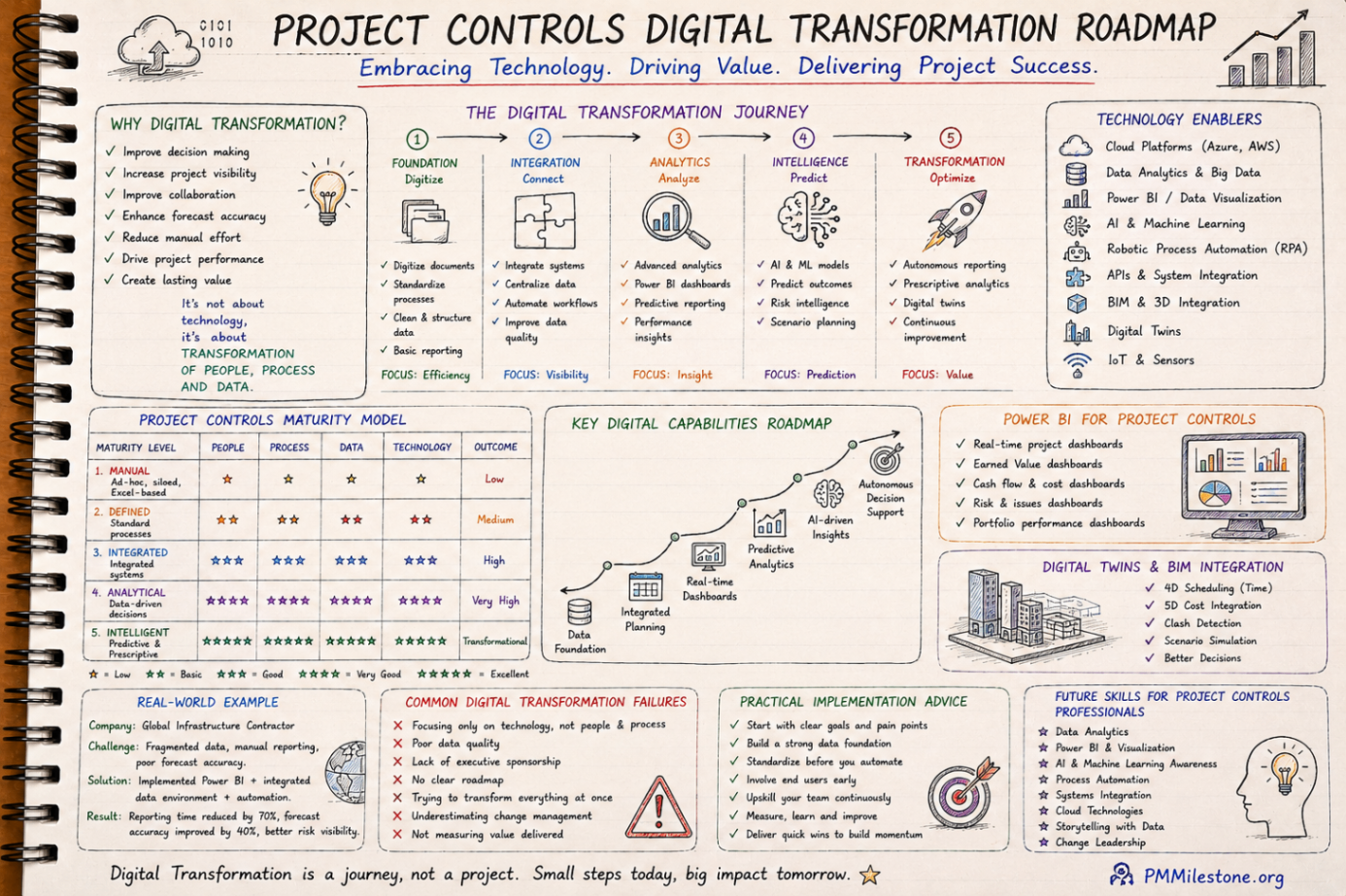
Project Controls Digital Transformation Roadmap
A future-focused guide to modern project controls through data integration, reporting automation, Power BI, AI, BIM and digital PMO capability building.
Project Controls Fundamentals
Scope, schedule, cost, risk, quality and reporting — the six disciplines that hold every successful capital project together, taught from first principles.